



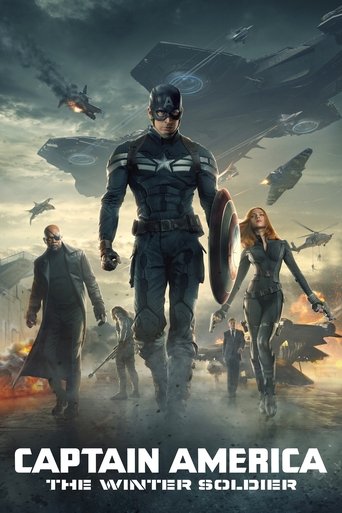


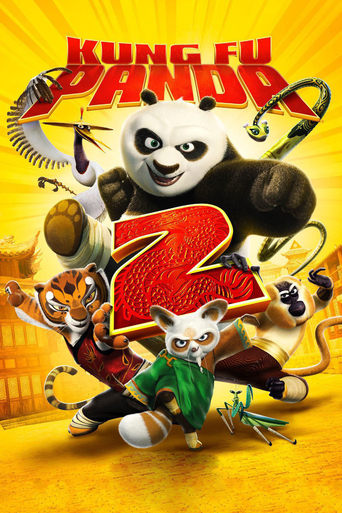



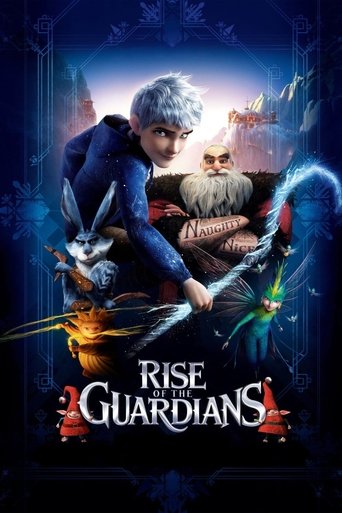

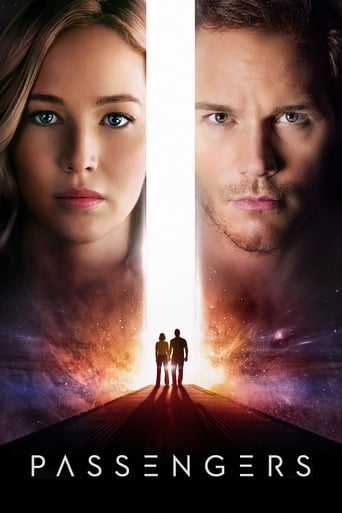

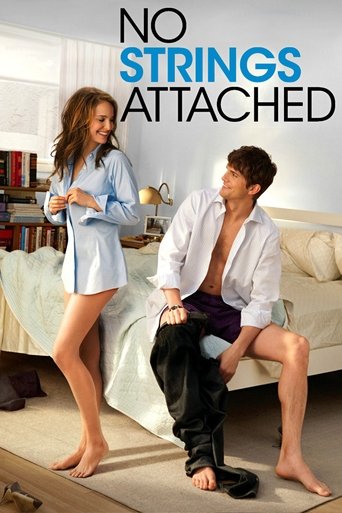
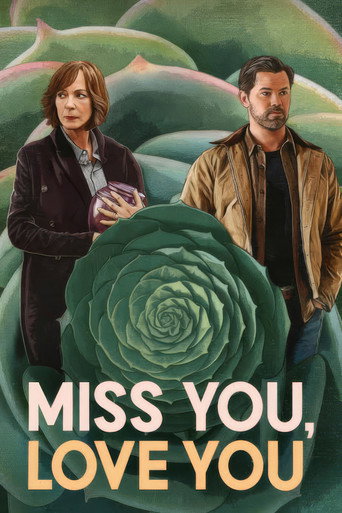

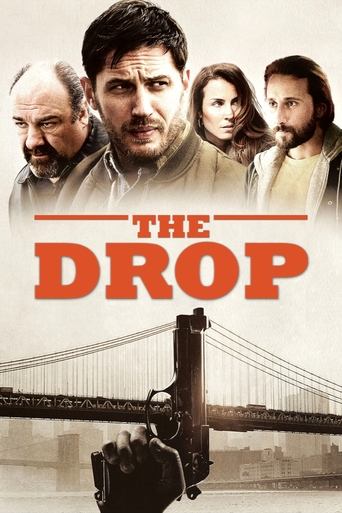
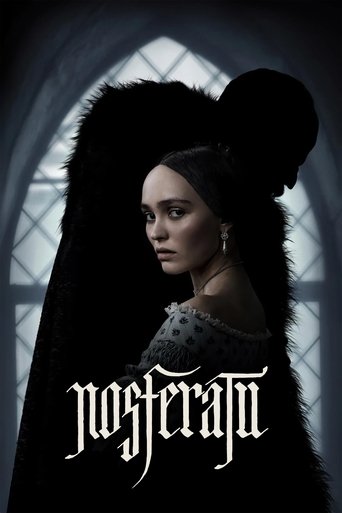
On the App Store
Movie Canvas
Movie-poster wallpapers, made for you
Tap Surprise me and a handful of finished wallpapers arrive, built from your films, with nothing to pick and nothing to tune. When you do want the controls, there are eight layouts waiting: a poster grid, a fanned mosaic, a hero band, a layered collage, a single-film one sheet, a 35mm filmstrip, a Top 10 podium you order yourself, and a shelf of spines. Pull from your own ratings, from a franchise, or from every film one director has made, then render it at your screen’s exact resolution and save it straight to Photos.
- 8 layouts
- grid to spine shelf
- Surprise me
- nothing to choose
- Full res
- phone to 6K to print

Available now
Movie Canvas is on the App Store.
Free on iPhone and iPad. Ready-made wallpapers, Surprise me, every layout and every size are all included, with nothing to buy and no watermark on anything you make.
A look inside
Movie Canvas on your phone.
Tap the movies you love, with no account and no sign-in

Then make it your Lock Screen, in three steps

The Gallery: a wallpaper built from your library, with Surprise me and the Ready-made shelf below it

Eight layouts, from a poster grid to a shelf of spines

Build from your ratings, your watchlist, a whole franchise, or one director

Desk-sized too: an ultrawide monitor at 5,120 by 1,440

Seasonal designs that arrive when the season does: blood in October, snow in December
What it does
Your movie taste, on your home screen.
Surprise me
One tap and a handful of wallpapers arrive, each a different layout, style and slice of your library, with nothing to choose. Want more? Ask for 10, 20 or 30 at a time and save the whole set to one album in a tap, ready for a Photo Shuffle Lock Screen, and the app shows you how to set one up. In October about one in three comes with blood or cobwebs, then snow and lights in December. Set a lowest rating, like 8 and up, and only your best come through.
Eight ways to lay it out
A poster grid, a fanned mosaic, a hero band, a layered collage, a single-film one sheet, a 35mm filmstrip with sprocket holes, a Top 10 podium with number one featured and the ten in the order you choose, and a shelf of spines with the titles running vertically. Top 10 and One Sheet take a heading you write yourself.
Franchises and people
Type John Wick and get the whole run. Type Christopher Nolan and get everything he has directed. Search any franchise or any person on TMDb, or start from a curated shelf. This one needs no account and no library.
Show all 9 featuresShow fewer
Seasonal designs
Midnight Horror runs blood down the screen in October. Snowed In and Lights Up arrive in December, Sweetheart in February, Gold Standard through awards season, and Your Year in Film over the new year. They show up when the season does.
Built from your library
Pull posters from the films you have rated and watchlisted on TMDb, with no hunting for artwork. Filter by rating, genre or studio to get exactly the mix you want. No account? Pick what you love when you first open the app, and change your picks any time in Settings.
Light, framed, or matted
Every layout comes in dark, on paper, and framed and matted with a border around each poster. Tune the density, the tilt, and where the band sits.
Every size you need
Your iPhone and iPad at their exact resolution, a 1080p monitor, a 34-inch ultrawide, the Studio Display at 5K, the Pro Display XDR at 6016 by 3384, Apple Watch faces, square and vertical social sizes, and print at 300dpi. It runs on your Mac too, and fits whatever screen it finds, 32:9 and 21:9 ultrawides included.
A fresh wallpaper every morning
Turn on the nudge in Settings, pick a time, and choose every morning, once a week or once a month. Movie Canvas opens straight into Surprise me with a handful of new wallpapers waiting. It stays off until you turn it on. Switch on Save every run to Photos and each new set replaces the last one in the Movie Canvas Surprise album for its screen, one for iPhone and one for iPad, so a Photo Shuffle Lock Screen always shows your newest. To skip opening the app, a Shortcuts action pairs with the built-in Set Wallpaper step and puts a new poster wall on your lock screen on a schedule.
Everything you made, kept
Finished wallpapers are saved in the app with the recipe that made them, so you can come back, save one again, or edit it into something new. Save to a Photos album, or share one with a link back.
The feeling
A home screen that’s actually yours.
One tap, and a handful of wallpapers are waiting.
Every poster is a film you already love.
Blood in October, snow in December.
Privacy
Your library stays yours.
Movie Canvas works from your own TMDb account and stores your sign-in and preferences on your device, with no ads, analytics, or tracking. Posters and film data come from TMDb, and generated wallpapers are only ever saved to Photos when you ask.